

Please open the flipbook by clicking on the title or “Copy Share Link” in My Flipbooks.

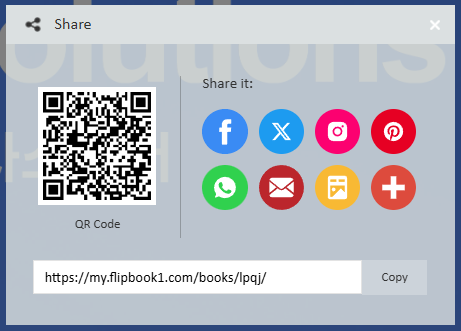
Click the Share button on the bottom toolbar to open the QR code.

Right-click on the QR code and select Save Image to use it.
If nothing happens when you right-click, you will need to install a right-click unblocker app/extension.